For regular disk space analysis operations, the default disk space analysis options are good enough and there is no need to change any configuration
parameters. But, for advanced users, DiskSavvy Server provides a large set of disk space analysis configuration options allowing one to customize
disk space analysis operations for user-specific needs and hardware configurations.
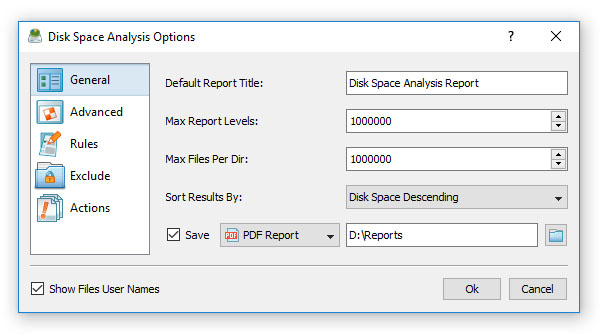
In order open the advanced disk space analysis options dialog, open the disk space analysis command dialog and press the 'Options' button. The 'General' tab
provides the ability to change the default report title, the maximum number of report levels, the maximum number of files per directory, the results sorting mode
and enable/disable display of files' user names in all types of disk space analysis reports.
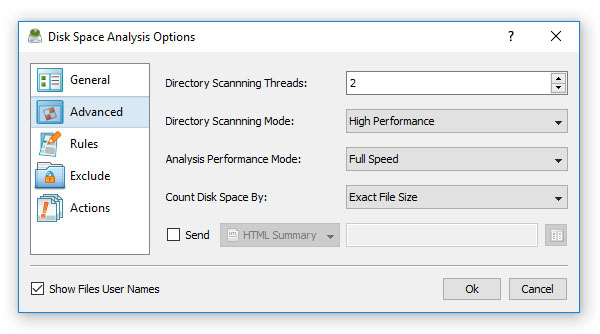
The 'Advanced' tab allows one to change the number of parallel directory scanning threads, the directory scanning mode, the disk space analysis performance
mode and the disk space counting mode. In addition, the user is provided with the ability to enable automatic generation of HTML, PDF, XML, Excel CSV, text or SQL
database reports after each completed disk space analysis operation.


